
" height="35px" id="Xg0kd_6bM" transform="translate(4 3)" width="32px"/></svg>)
One Data, Two Views
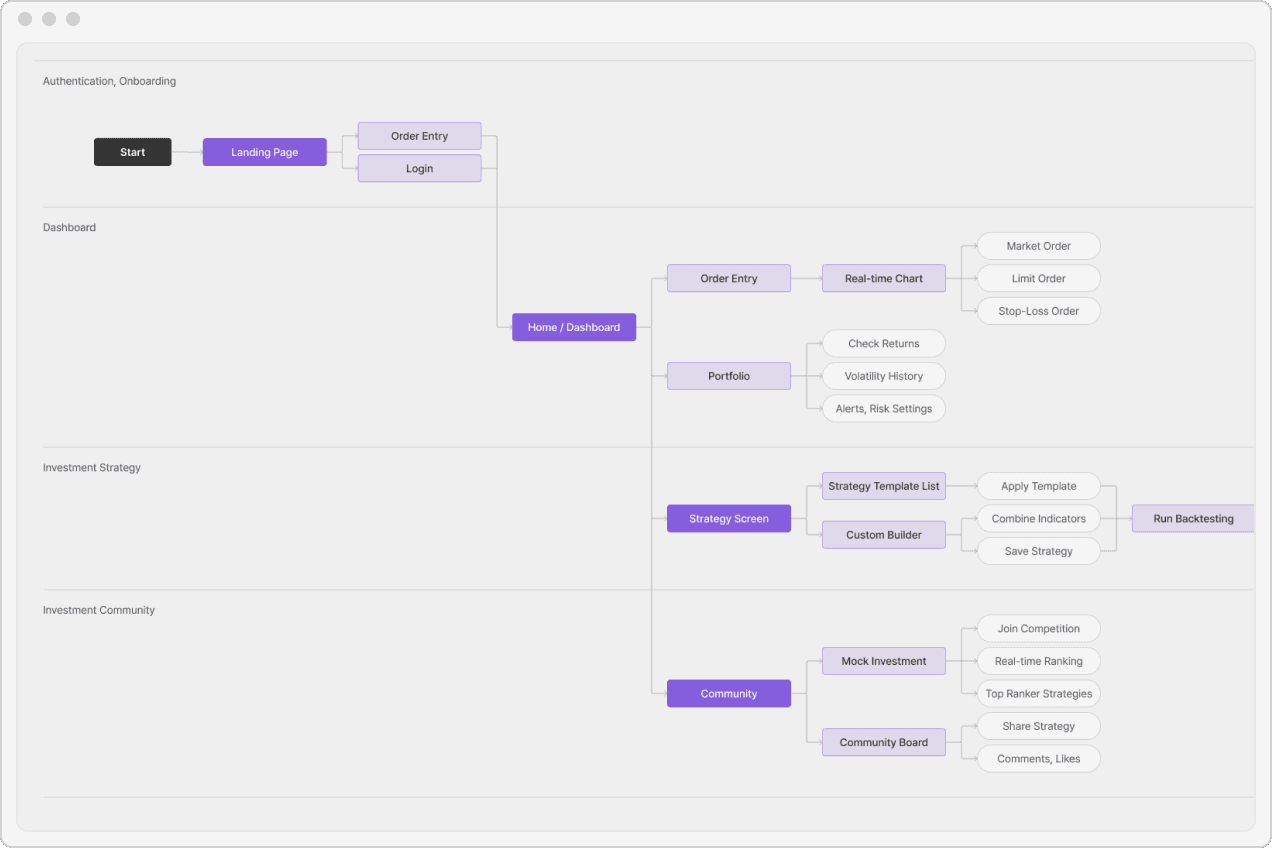
Define the features, and they become a flow. Draw the flow, and it becomes a screen. Your planning can continue without having to start over.
" height="31px" id="IJqHjBaZ1" transform="translate(4 4)" width="31px"/></svg>)
Document in Multiple Views
Structure, policies, and user flows each have their own view, so you can switch freely and keep your plan in sync.
" height="31.999713998638754px" id="V51l8KUPg" transform="translate(5 4.002)" width="31.00000053662508px"/></svg>)
Planning in Context
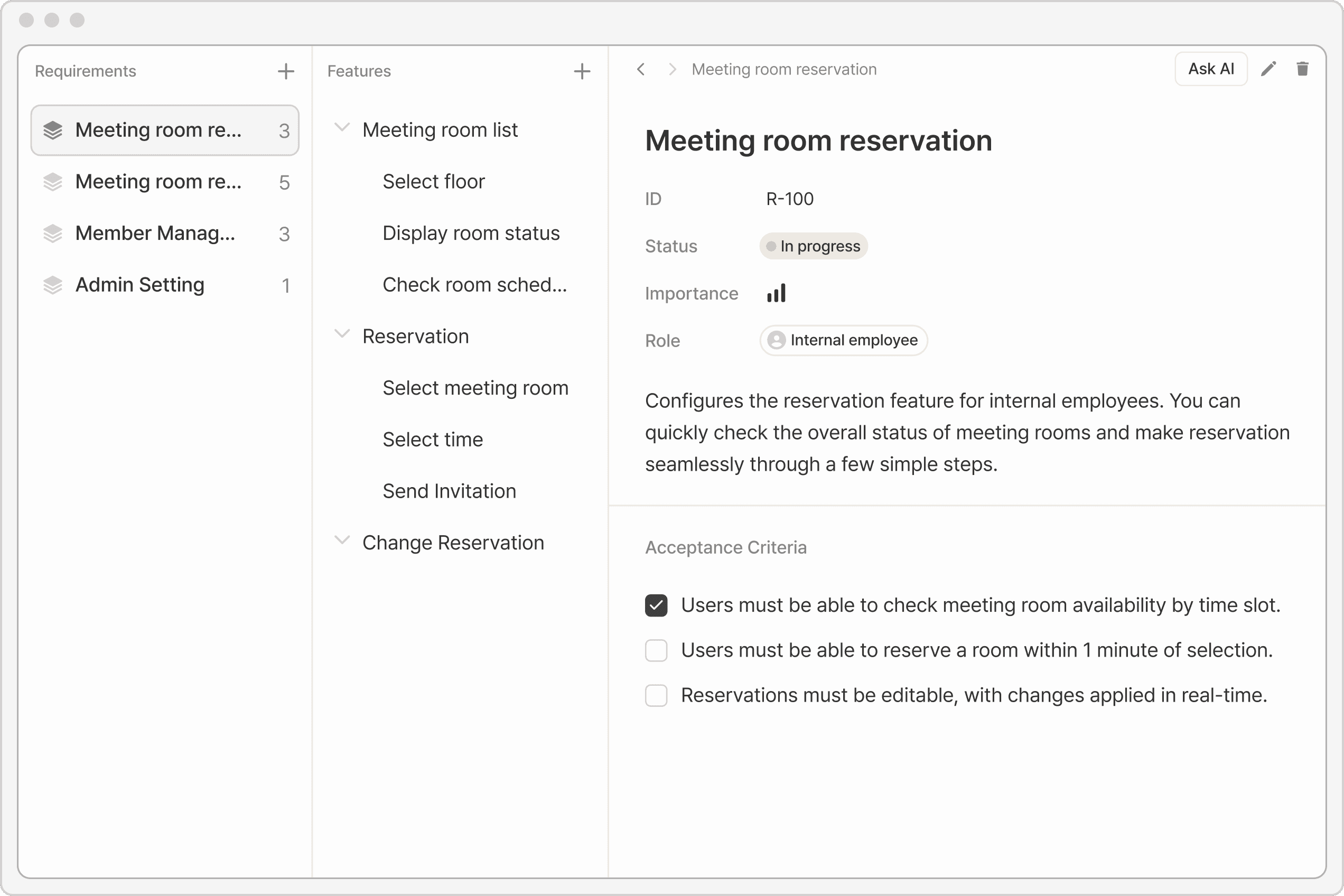
Manage the entire structure and details on a single screen. Design intuitively without ever missing a page.
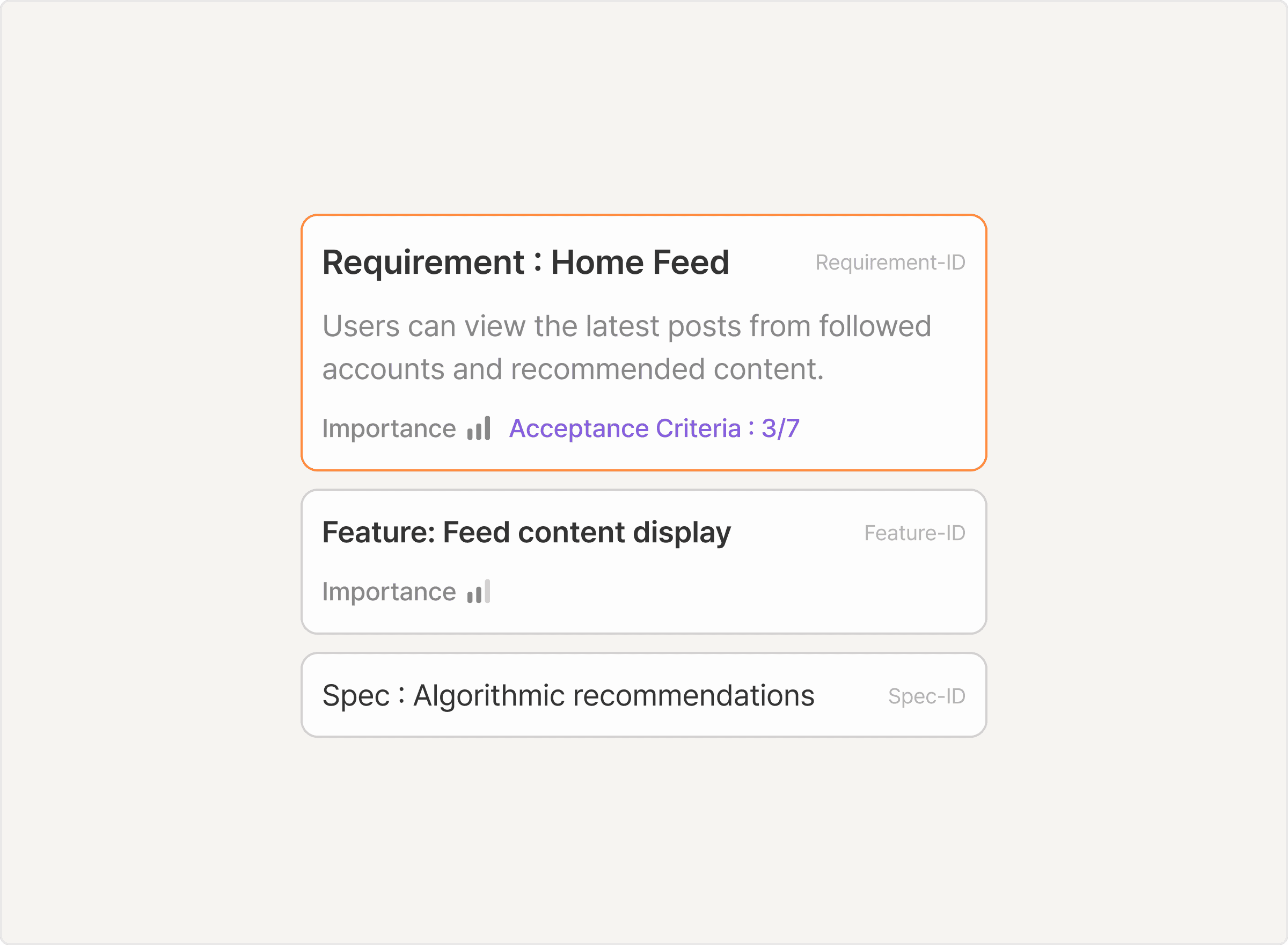
Start with Structure,
Not a Blank Page
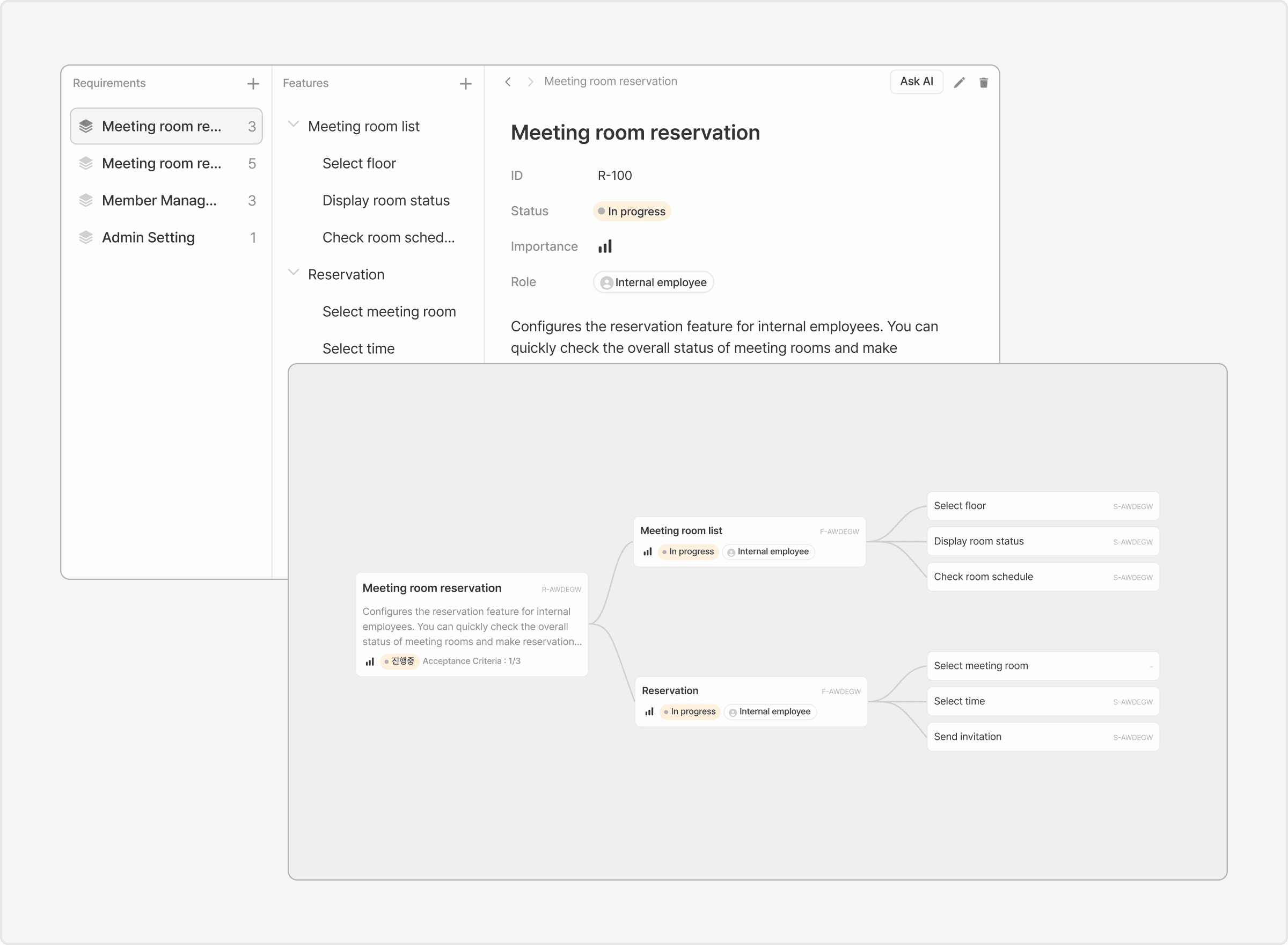
From Documentation
to Visualization
Switch between Tree View for structure and Directory View for editing. You can manage everything in one place without juggling multiple files.
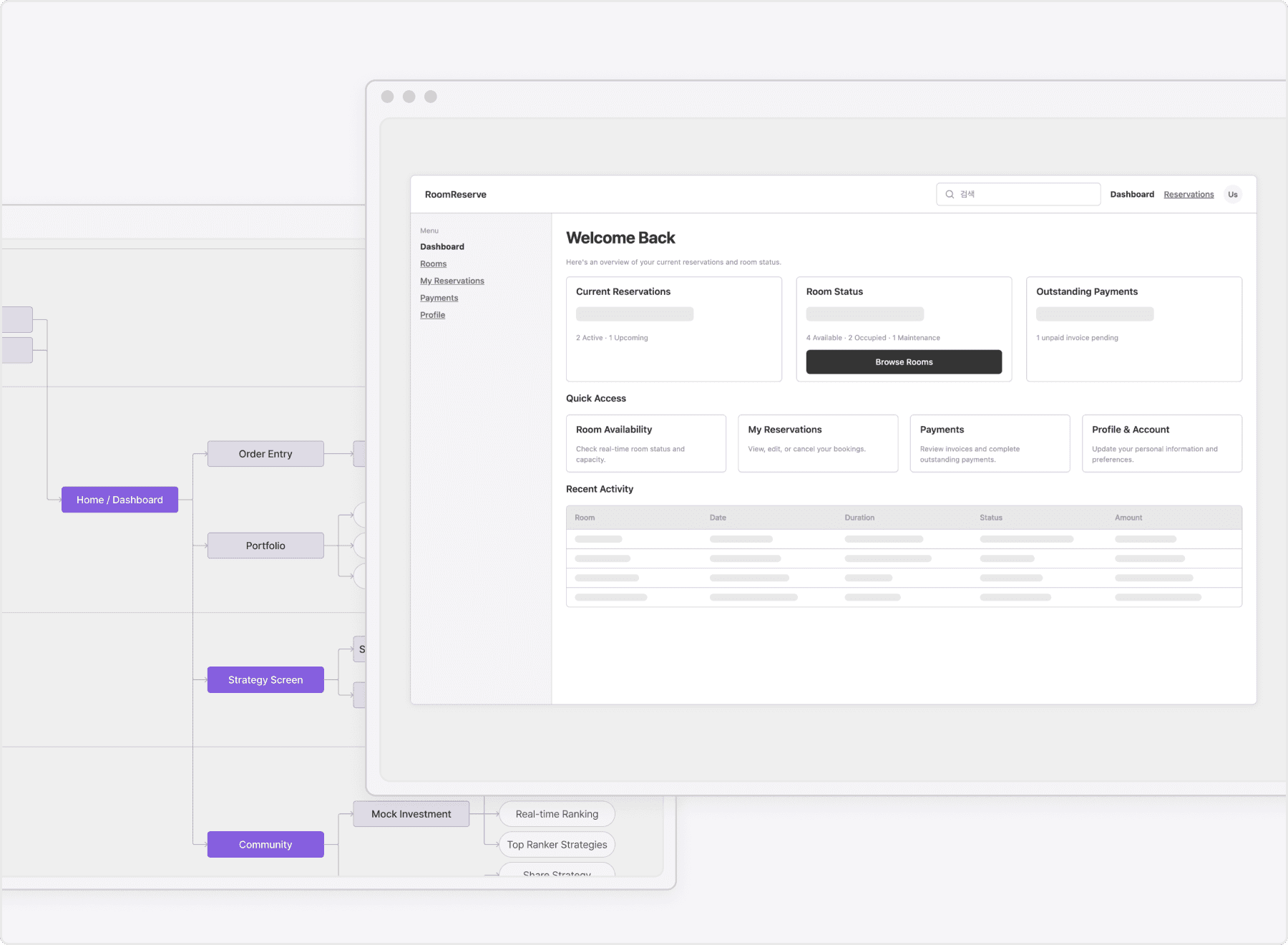
User Flow - Wireframe Linking
Based on the screen flow designed in the user flow,
wireframes are automatically generated.
Review the flow directly by viewing the screens during the planning stage.
How to Use It
Real-Time Document Updates
Optimize User Journeys
Map the big picture instantly. Define the overall flow and align with your team on where and how to start, all in one place.
Development Handoff