With various AI planning tools available, what criteria should you use to choose?
Each AI tool for planning has its own strengths in the results it generates. We compare the roles and selection criteria of various tools, from general-purpose agents to app creation, UI/UX design, and software planning.
How to Choose the Right AI Tool for Product Planning
Ask AI to help with planning, and the first result can appear surprisingly fast.
A business plan, product page, or even an app’s UI and UX can begin to take shape after just a few prompts.
But having something visible does not mean the planning is done.
One team used AI to build an event registration page in half a day. What they had not decided was what should happen when registrations exceeded capacity. Should they close sign-ups or start a waitlist?
Another team completed the screens for a booking service in a day. But they had not set rules for overlapping reservations or same-day cancellations, so both the interface and the underlying features had to be reworked.
Neither team was held back by a slow tool. Making things had become faster. Deciding what to make had not.
That is why the first question when choosing an AI tool for planning should not be how many features it has. It should be what you need it to produce. A market research report, a working app, a set of user-facing screens, and a product specification for developers are very different deliverables, and each calls for a different kind of tool.
This article compares four tools commonly used during the planning process: Manus, Genspark, UX Pilot, and Manyfast. We will look at the work each one is designed to take on and the kind of output it leaves behind.
First, what each tool actually does
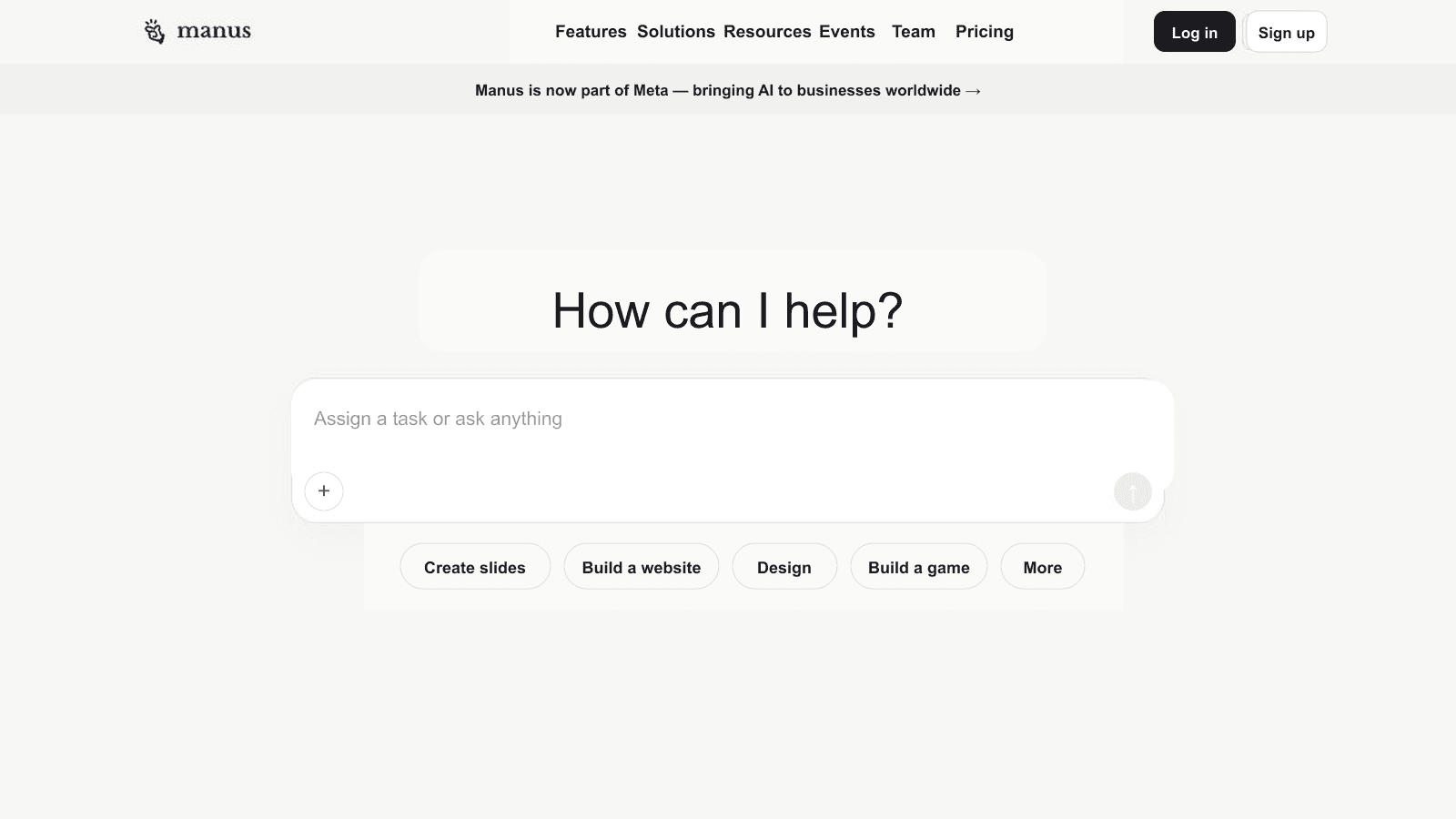
Manus is a general-purpose AI agent that can carry a task from research and document writing through to prototype development.
You can use it to research a market and its competitors, draft requirements, organize user stories, and build a prototype within a single workflow. It is not limited to software planning, either. Manus is also well suited to work that combines research and writing, such as brand research, early business plans, and internal reports. That range is one of its strengths.
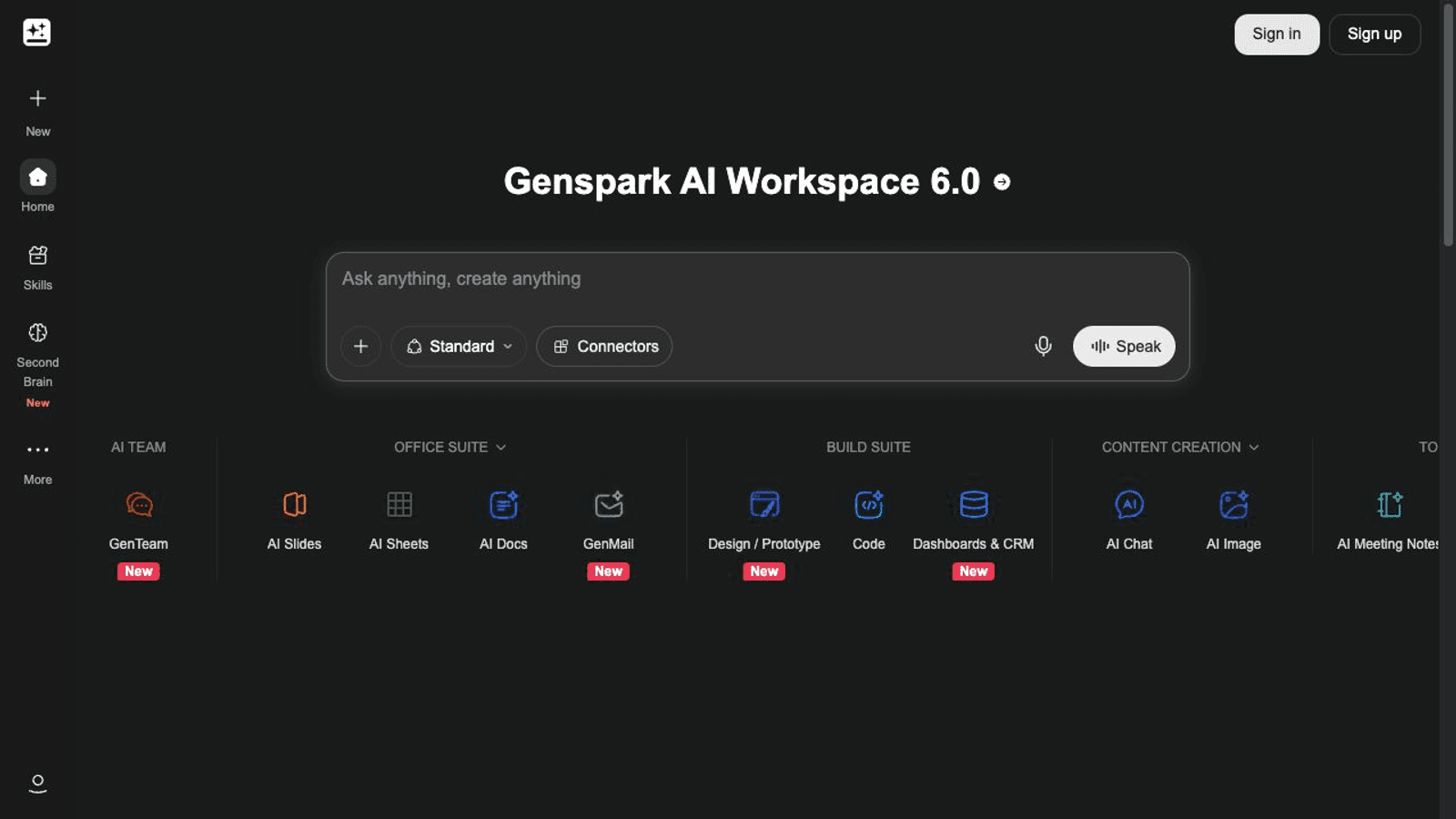
Genspark is an AI workspace that brings document, design, and coding tools together in one place.
You can research a topic and turn the findings into a document or presentation without leaving the workspace. Its app builder can also take a written description of a screen or feature and turn it into an app you can actually interact with. This makes Genspark especially useful when you need more than one kind of deliverable, such as a proposal and a working demo prepared side by side.
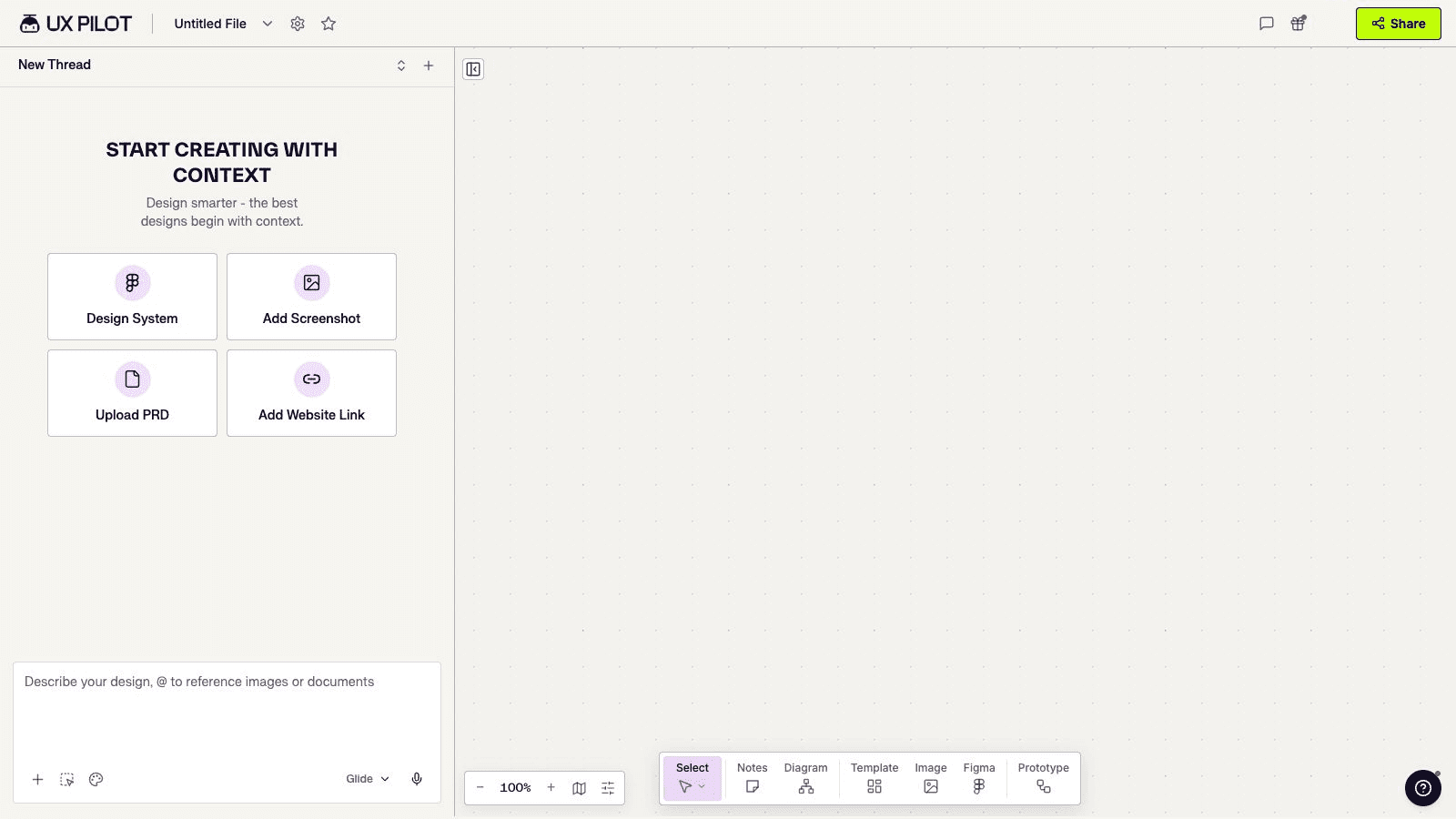
UX Pilot focuses on designing product interfaces.
Starting with an idea, PRD, or feature specification, it can create multiple screens around a user flow. Teams can review the designs and then hand them off through Figma or code.
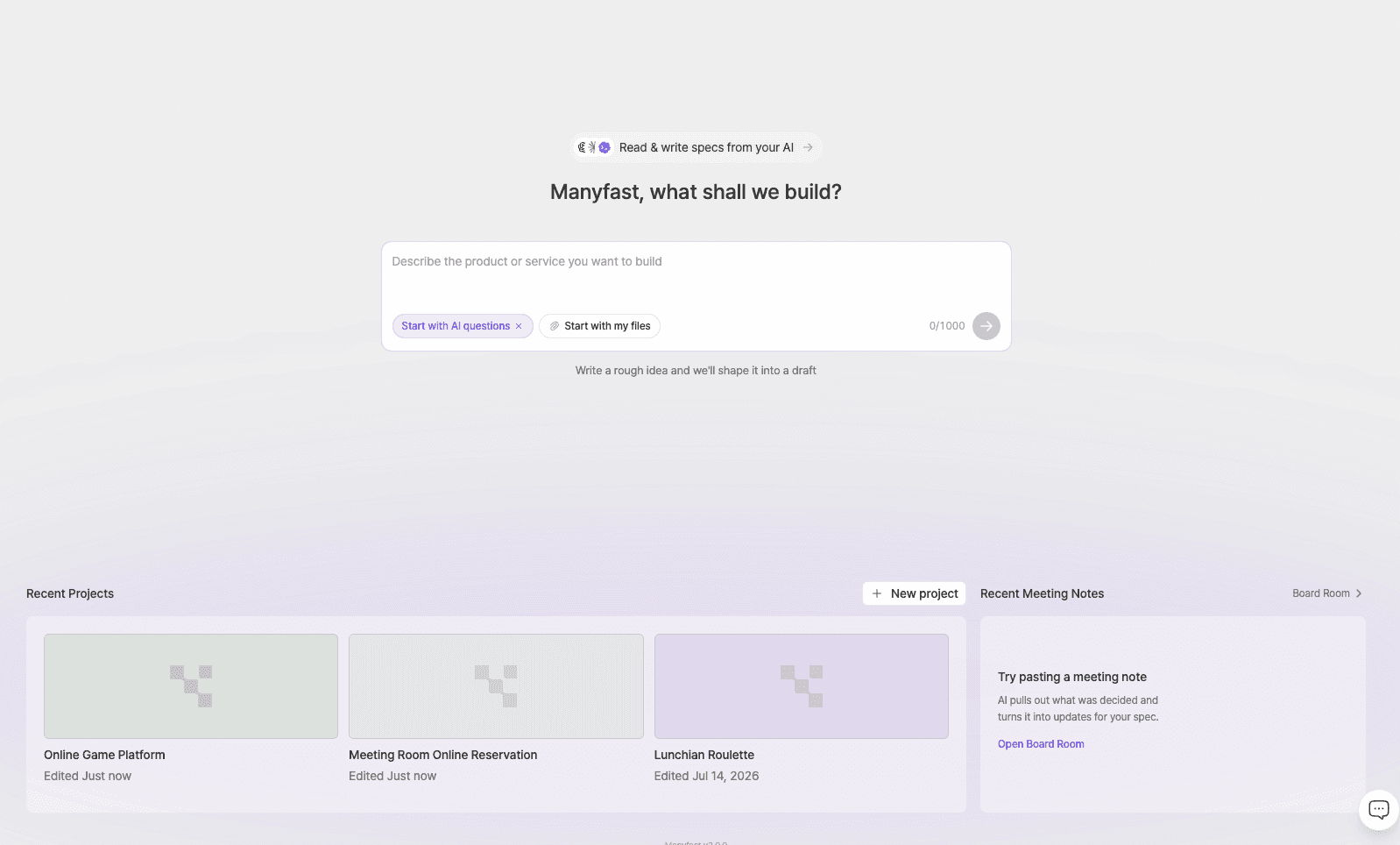
Manyfast is a planning editor and AI workspace that structures and visualizes the decisions behind a software product.
Starting with an idea or existing materials, teams can develop a PRD, feature specifications, user flows, and wireframes within the same project. Users review AI-proposed changes before applying them, and finalized plans can be passed to development tools through MCP.
You can start with one sentence, but there are still decisions to make
All four tools can begin with a single-line idea. What differs is the work each tool centers on and the output it is designed to produce. The chart below is not a feature-count comparison. It shows what each tool typically starts with and what it leaves you with.
Instead of reading the chart from left to right, start with the “Primary output” column on the far right. Find the row that matches what you need right now. The tool in that row is likely your best first candidate.
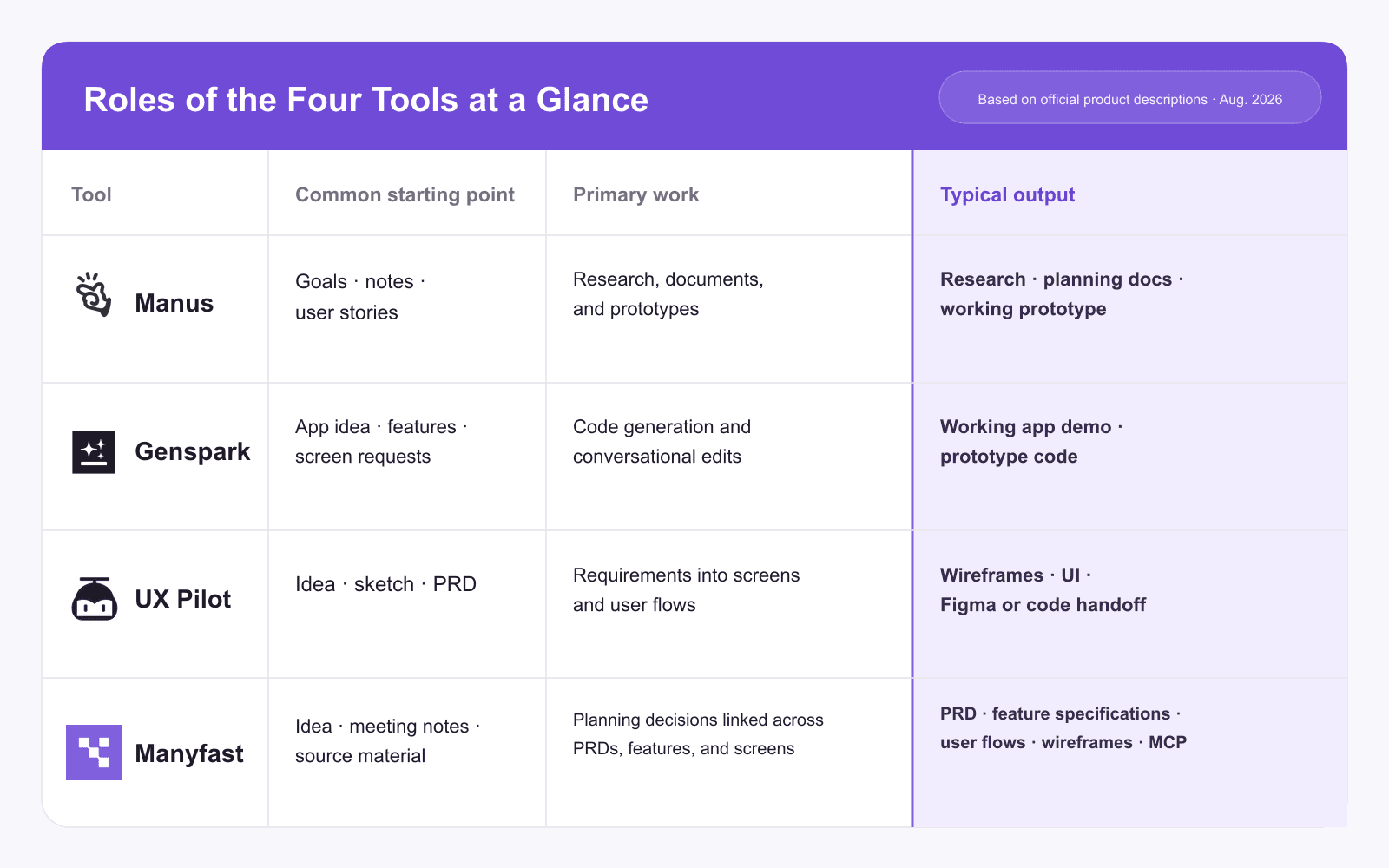
As the chart shows, saying that all four tools “support planning” does not tell us much. Their primary outputs differ, as do the people expected to use those outputs next. If the work is mainly for you and your immediate team, the format may not matter very much.
If the next person in the process is a developer or designer, however, the format starts to matter a great deal.
Where does planning end and software product planning begin?
This distinction is not unique to software. Imagine a team preparing to launch a new cosmetics brand. The tools above can take them a long way through market and competitor research, audience and concept development, and the messaging for a product page. The people reviewing those outputs are usually on the same team, and if the result is not quite right, they can simply generate another version.
The difference becomes clearer when that same team starts building its own online store or membership app, either in-house or with an outside development partner.
How many membership tiers should there be? What happens to benefits already awarded when a member drops to a lower tier? What happens to unused points when someone closes their account? A better-looking screen will not answer these questions. Once the team decides, both designers and developers need to work from the same rules. That changes the kind of deliverable the team needs. A business plan or brand proposal may be better served by the first three tools. Beyond this point, the job is different.
Take a B2B SaaS team adding member invitations and permission management to its product. A prompt such as “Admins can invite members and change their permissions” is enough to generate a basic interface.
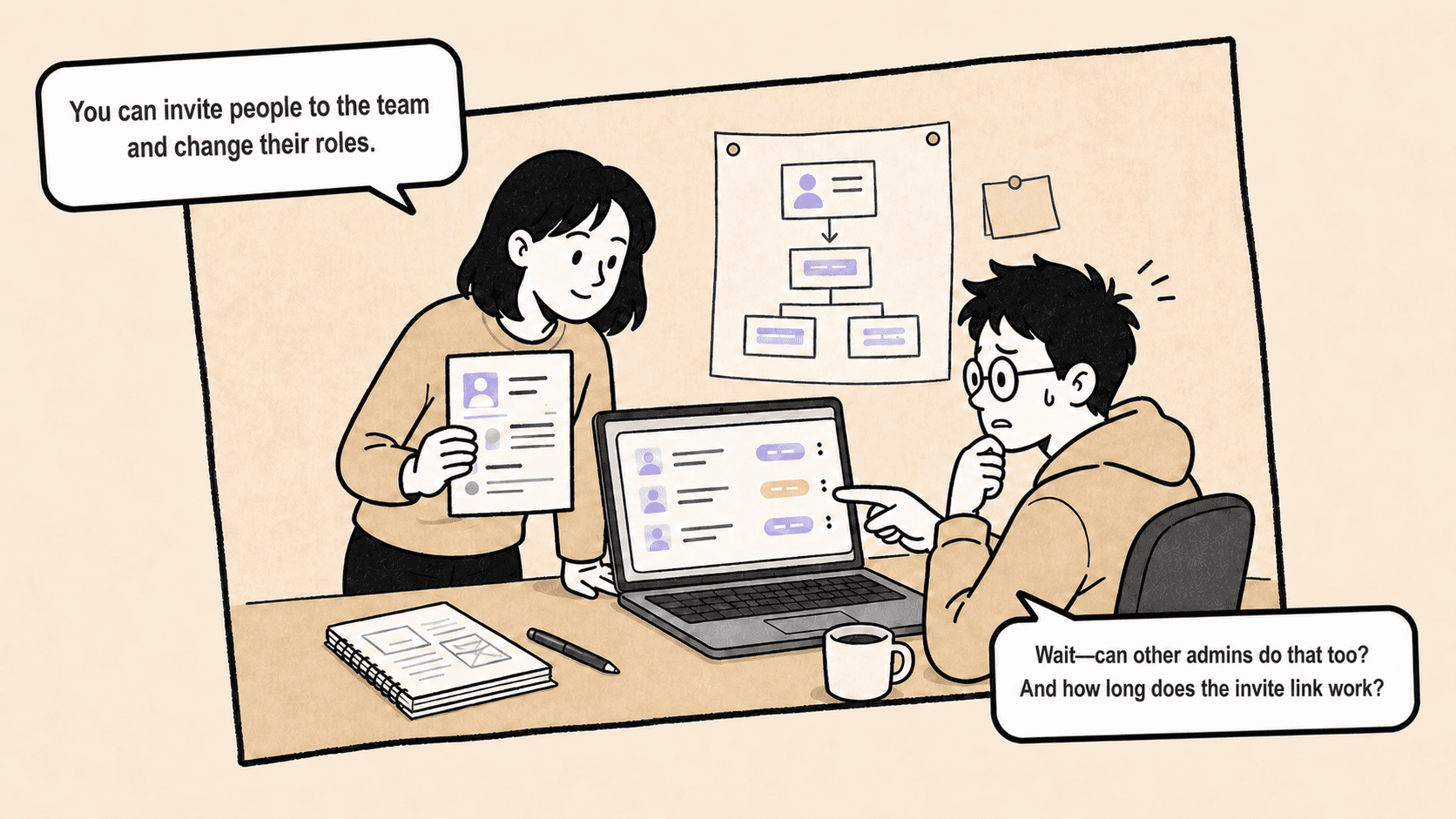
Real operations quickly raise more questions. How long should an invitation link remain valid? Can one admin change another admin’s permissions? Who is allowed to delete a member account? Can the last owner leave the team?
These conditions do not stop at a single screen. They affect the permission model, invitation flow, button visibility, error messages, and QA cases.
If a team starts with screens or code before working through those conditions, the tool will create an initial result from the information it has. When the team later realizes that its actual rules are different, it has to go back and revise what has already been built.
The decisions that surface only after the screens do
The problem is not only that some conditions go undefined. Decisions that have already been made often change later.
Consider the deletion policy from the previous example. At first, the team decides that an admin can remove any member. After a security review, it changes the rule so that only an owner can delete an account.
The update affects more than one line in a feature description. The delete button must disappear from the admin interface. The team needs to define what happens when an unauthorized user opens the page directly through its URL. The product must block deletion when the target is the last owner and explain why. It also needs a rule for when the deleted member’s active sessions should end.
Software planning is rarely a matter of finalizing every condition and handing the work off once. User feedback, security reviews, and technical reviews regularly lead teams to revisit decisions they thought were settled.
All of the AI tools discussed here can revise their output through conversation. The most important capability, however, is not simply generating a new screen faster. When a policy changes, the team needs enough context to see which feature conditions, user paths, and interface states must be reviewed again.
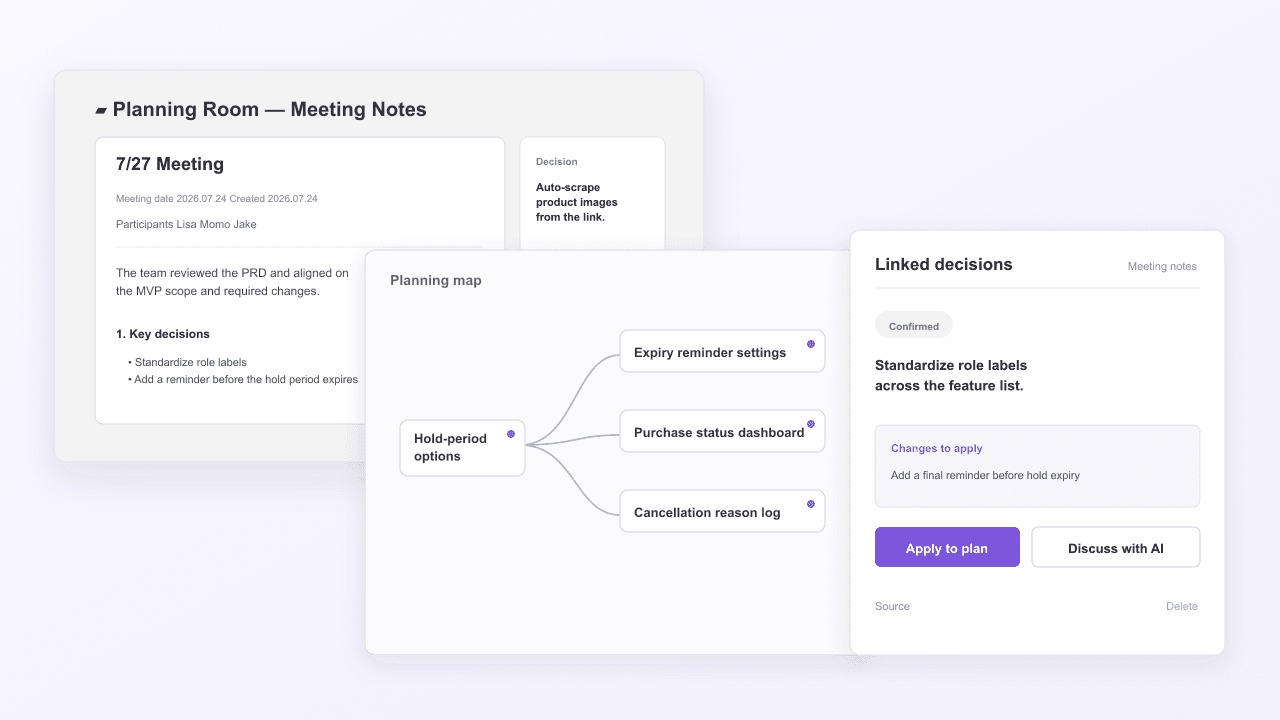
In Manyfast, teams can connect meeting notes to an existing project and see which parts of the current plan are affected by a decision made in the meeting. If AI proposes how a new rule, such as “Only owners can delete accounts,” should change the existing plan, the user chooses which updates to accept. The team can then run a full-document review to look for anything it missed and make the approved plan available to development tools through MCP.
This is not about proving that one approach is better than generating new screens quickly. It is about preserving decisions, keeping the rules consistent, and carrying them into the next stage of work.
What matters most is the core planning deliverable
This does not mean Manyfast has to come before Manus, Genspark, or UX Pilot. A team might begin with research, or it might review a prototype or interface first and bring newly discovered conditions back into the product plan. The order varies from team to team.
The real difference is not the sequence. It is the deliverable at the center of the workflow. While the other three tools produce research, working apps, and interface designs in their own ways, Manyfast focuses on the decisions a product team needs to make. The PRD explains why the product or feature should exist. Feature specifications define what must be built and under which conditions. User flows show the order in which people move through the product, and wireframes show how those decisions appear on screen.
These are not meant to be isolated documents. When one feature condition changes, the related user flow and interface should be reviewed as well. That only works when the documents share the same planning data.
This approach is not always the better choice. If there are few decisions to make and the goal is to see a result as quickly as possible, defining the rules first can feel like an unnecessary detour. But when several people need to work from the same source and that source changes often, the decisions need to be organized somewhere. What matters is not which tool comes first. It is whether the next person has a reliable set of rules to work from.
How to put Manyfast into practice
Start a project with an idea or your existing planning materials. AI asks about the points that have not yet been settled, such as the primary user, the problem to solve, and the scope of the current project. It then organizes those answers into an initial PRD and feature specifications.
New decisions made during the project can be carried forward in the Planning Room. Add the meeting notes and select the relevant project, and AI reads both the notes and the existing plan. It then pulls out only the decisions that affect the product. If the same topic came up in several meetings, it considers the sequence of the discussion and the final conclusion before consolidating the decision. Scheduling updates and task assignments are kept separate from product decisions.
Extracted decisions are not added to the planning documents automatically. Users can edit, add, or remove details. For unresolved questions, they can select an option or leave the item on hold. When a confirmed decision is connected to the PRD or feature specifications, the user compares the proposed change with the existing version and approves it. If the change is rejected, the original plan stays intact. Teams can also continue the discussion with AI Manny when a decision is not ready to be applied.
Once the planning documents have taken shape, a full-document review can help find gaps. The Planning Room brings new decisions from meetings into the plan. Document Review looks for missing conditions in what has already been written. It currently reviews PRDs, requirements, features, and detailed feature specifications. User flows and wireframes are not included in the current review scope.
The document is reviewed from six perspectives: development, business, UX, design, QA, and security. Each finding includes its importance, what needs to be clarified or added, and the reasoning behind it. Teams can resolve a finding, put it on hold, or move it into a chat to discuss the right fix first.
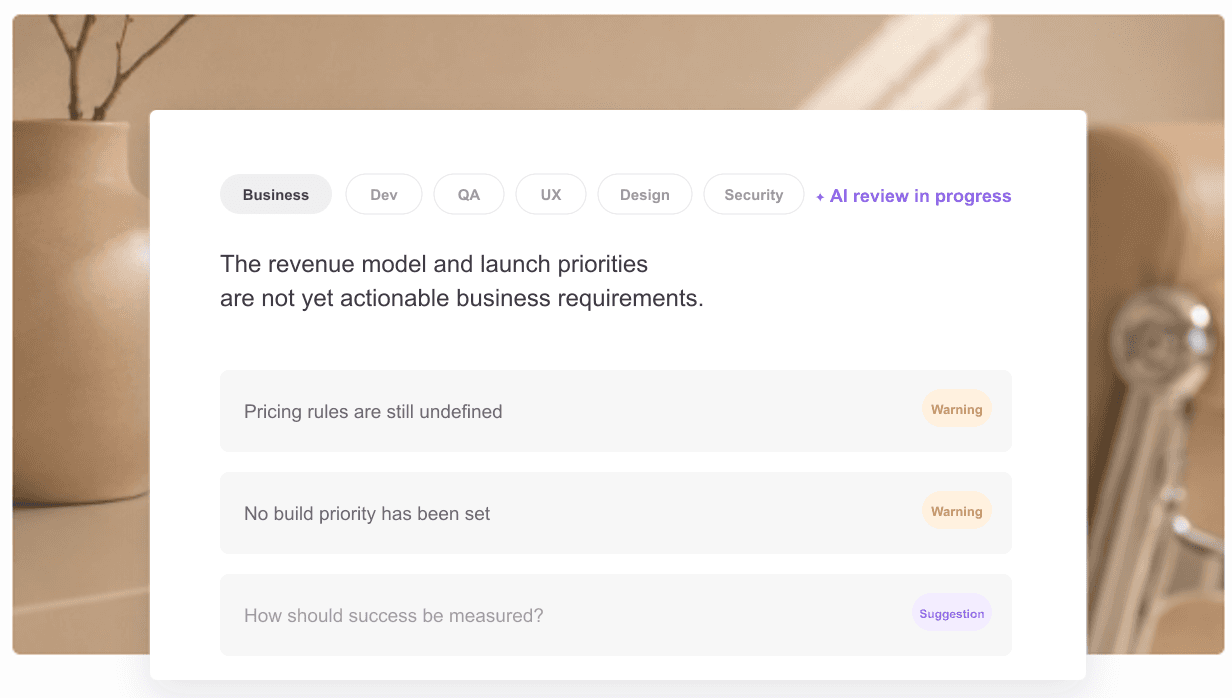
Neither feature asks AI to decide the right answer for the product or silently rewrite the plan. The Planning Room turns decisions from a meeting into proposed changes. Document Review surfaces questions the author may have missed. At every stage, a person decides which suggestions and edits become part of the actual plan.
After review and revision, the planning documents can be connected to Cursor or Claude Code through MCP. A coding agent can read the feature specifications and planning structure in Manyfast and use them as the basis for implementation.
※Through MCP, external development tools can retrieve the latest planning documents from Manyfast and use them during implementation. When the user has the required editing permissions and plan access, they can also ask an external tool to create or update PRDs, requirements, features, and detailed feature specifications. If the plan changes in Manyfast, the external tool can retrieve the latest version and continue working from the updated source.
Decision speed now matters more than build speed
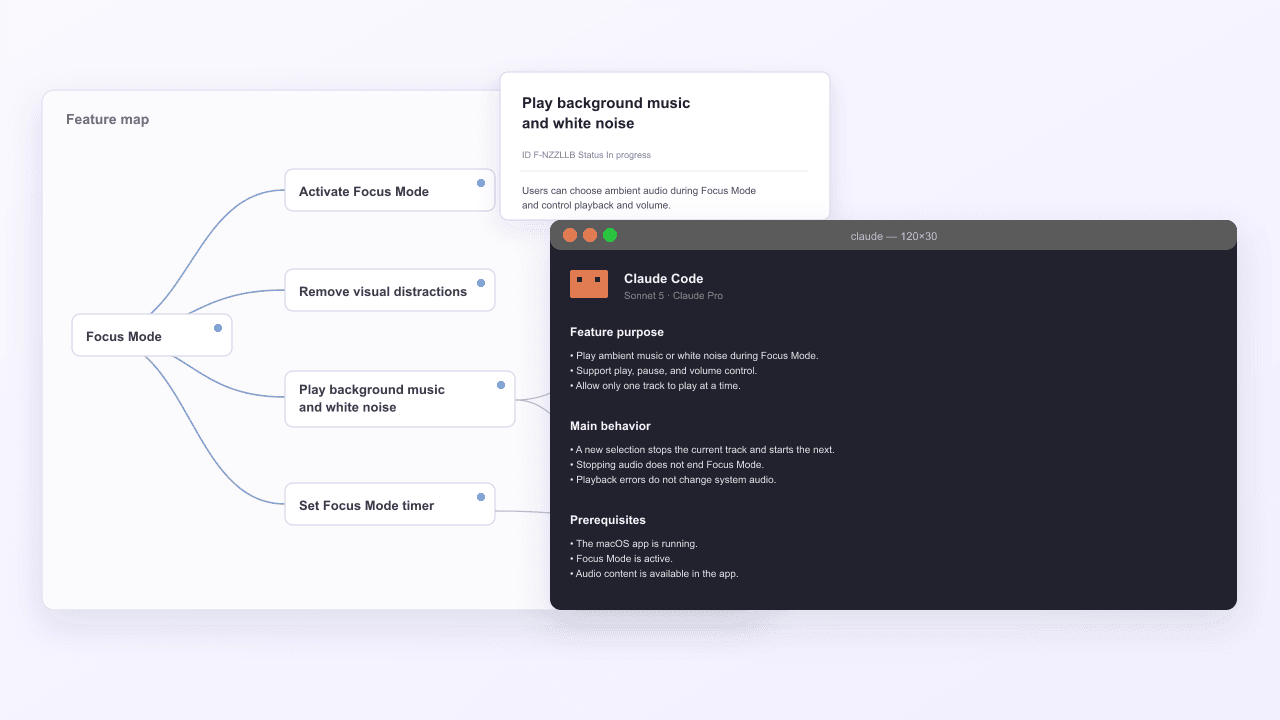
If you want one tool to handle market research and a broad range of related work, Manus may be the best fit. If you want to test a working app quickly, Genspark is a closer match. If you need to design several screens and hand the result to a development team, UX Pilot may be the more direct choice.
Manyfast has a narrower focus. It is designed for work with unresolved policies and edge cases, where PRDs, feature specifications, and user flows need to serve as a shared reference for the team. If the priority is to see a business plan or brand proposal take shape quickly, the other three tools may be a better fit.
These tools are not mutually exclusive. Conditions discovered in a prototype or interface can be brought back into the product plan. A set of agreed rules can then be passed to another tool to produce screens or code.
AI will keep making the act of building faster. That makes the human role clearer, not smaller. People still have to decide what to build, who it is for, how far to take it, and how to keep those decisions consistent through delivery. A product team’s speed is no longer determined only by how quickly it can write code. The next stage depends on how quickly the team can make sound decisions and how accurately it can carry revised decisions into the interface and the code.
Try one simple exercise. Write down what you are making in a single sentence. Does that sentence contain the word “report,” “app,” or “screen”? Or does it call for a specification that developers can implement against? That one phrase tells you which kind of tool you need.