Export and connect
Build a spec from your connected AI
Ask the AI you connected to Manyfast to turn your planning conversations into a Manyfast spec.
If you've already worked through an idea with ChatGPT or Claude, you don't have to write the spec again from scratch. Ask the AI you connected to Manyfast, and it organizes the conversation into a PRD, requirements, features, and specifications.
Before you start
- Connect Manyfast to the AI tool where you had the planning conversation. See Connect AI tools (MCP).
- Decide which group the spec belongs in. If you're in more than one group, tell the AI which one to use.
Create a new project
- In the AI tool's chat where you discussed the plan, ask it to create a spec in Manyfast. For example: "Organize the ideas from our chat into a PRD and core requirements in Manyfast".
- If you're in more than one group, include which group to use.
- The AI creates a new project and starts filling it in. Answer any questions it asks along the way.
The spec fills in this order: PRD, requirements, features, then specifications. Features sit under requirements and specifications sit under features, so each level needs the one above it first.
Fill in an existing project
- Tell the AI the name of the project to fill in. The AI can find it by name among the projects you can access.
- If several projects have similar names, give it the project ID too. In the editor's address, the value after
/editor/is the project ID. - Say what to fill in. For example: "Fill in this project's features from our conversation".
Review it in Manyfast
- Open the project in Manyfast. You'll find a new project under All Projects in the sidebar.
- Check what the AI wrote in the PRD and Features tabs.
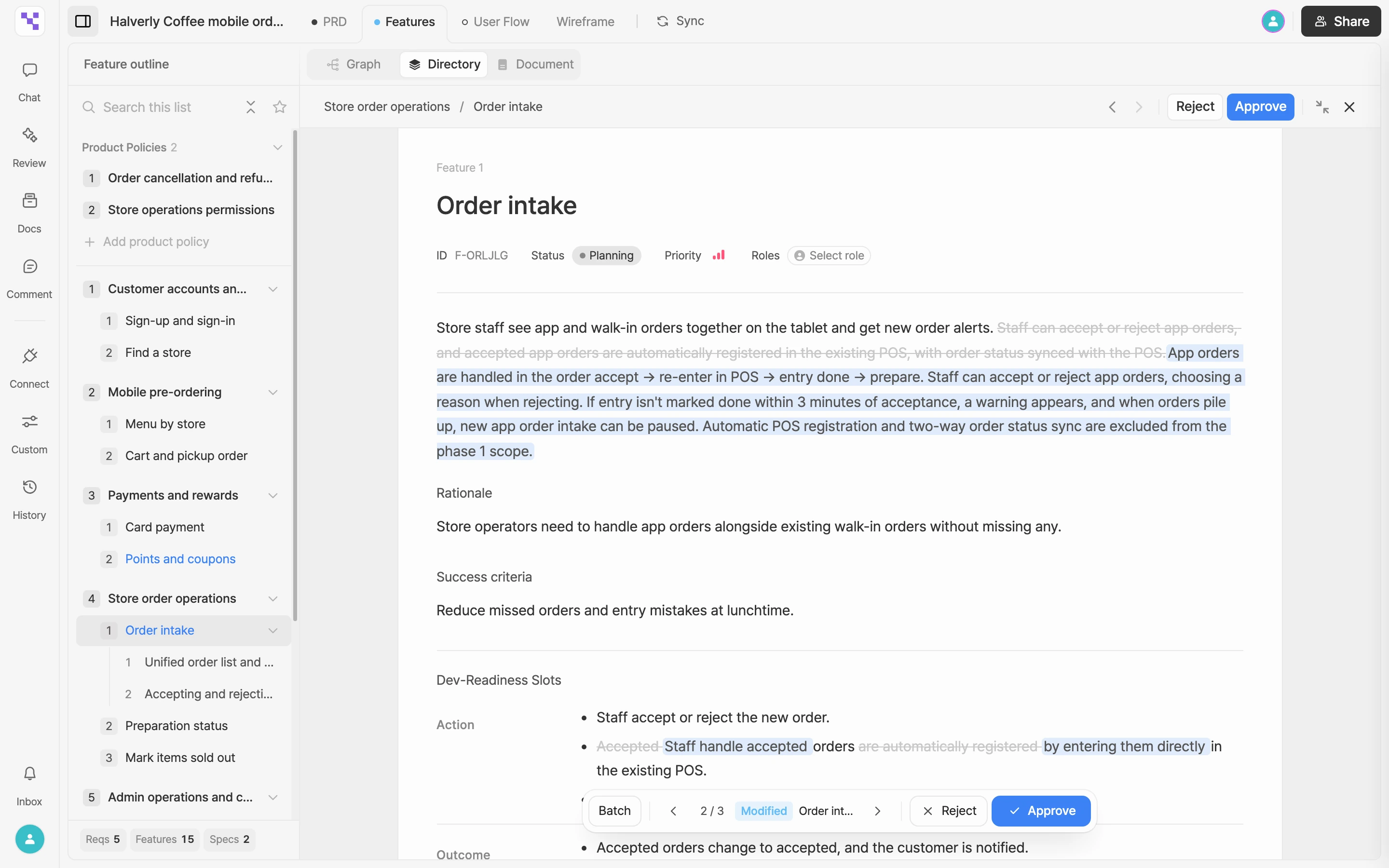
- If the PRD was empty, what the AI writes goes straight in. Requirements, features, and specifications, along with edits to an existing PRD, aren't final right away. They arrive as AI suggestions waiting for your approval. Approve or reject each one, as described in Review AI suggestions.
- Polish the rest by editing it yourself or asking AI in Chat.