Where deleted projects and folders go. You restore them or delete them permanently from here.
Search projects and sources
The search box in the top bar for finding projects and sources by name. Open it with ⌘K (Windows Ctrl+K).
Inbox
The notification list you open with the bell button in the top bar. Mentions, replies, and requests show up here.
Spec
Term
What it means
PRD
The document that says what you're building and why. It's split into Overview, Problem & Solution, Target & Scenario, Success & Risks, and Project Basics. See PRD.
Features
The document that organizes what you'll build into three levels: requirements, features, and specifications. See Features.
Requirement
The top level of Features. It groups related features into one area.
Feature
One capability people use. It sits under a requirement.
Specification
One behavior inside a feature that can be shown on its own. It sits under a feature.
Dev-Readiness Slots
Fields for implementation details, such as Preconditions, Trigger, and Exceptions, so developers don't have to ask. See Dev-readiness slots.
Product Policy
A document for decisions that span multiple features, such as pricing, security, or data retention. It lives inside the Features tab. See Product policies.
Graph · Directory · Document
The three ways to view Features. Switch with Shift+Space. See Feature views.
Navigator
The panel on the left of the editor that shows the structure of the current tab. Depending on the tab, it shows Outline, Feature outline, Flows, or Pages.
User Flow
A diagram of how people move between screens. AI builds it from your PRD and Features. See User flow.
Wireframe
A first draft of your screens, built from a user flow. See Wireframe.
Sync
Updates one document to match changes in another. You pick a Source document and a document To fix. See Sync.
Version history
A list of saved points in your spec. Pick one to go back to it. See Version history.
Activity Log
A record of who changed what, and when.
AI
Term
What it means
AI
The AI that writes specs with you inside Manyfast. You give it work through chat.
Chat
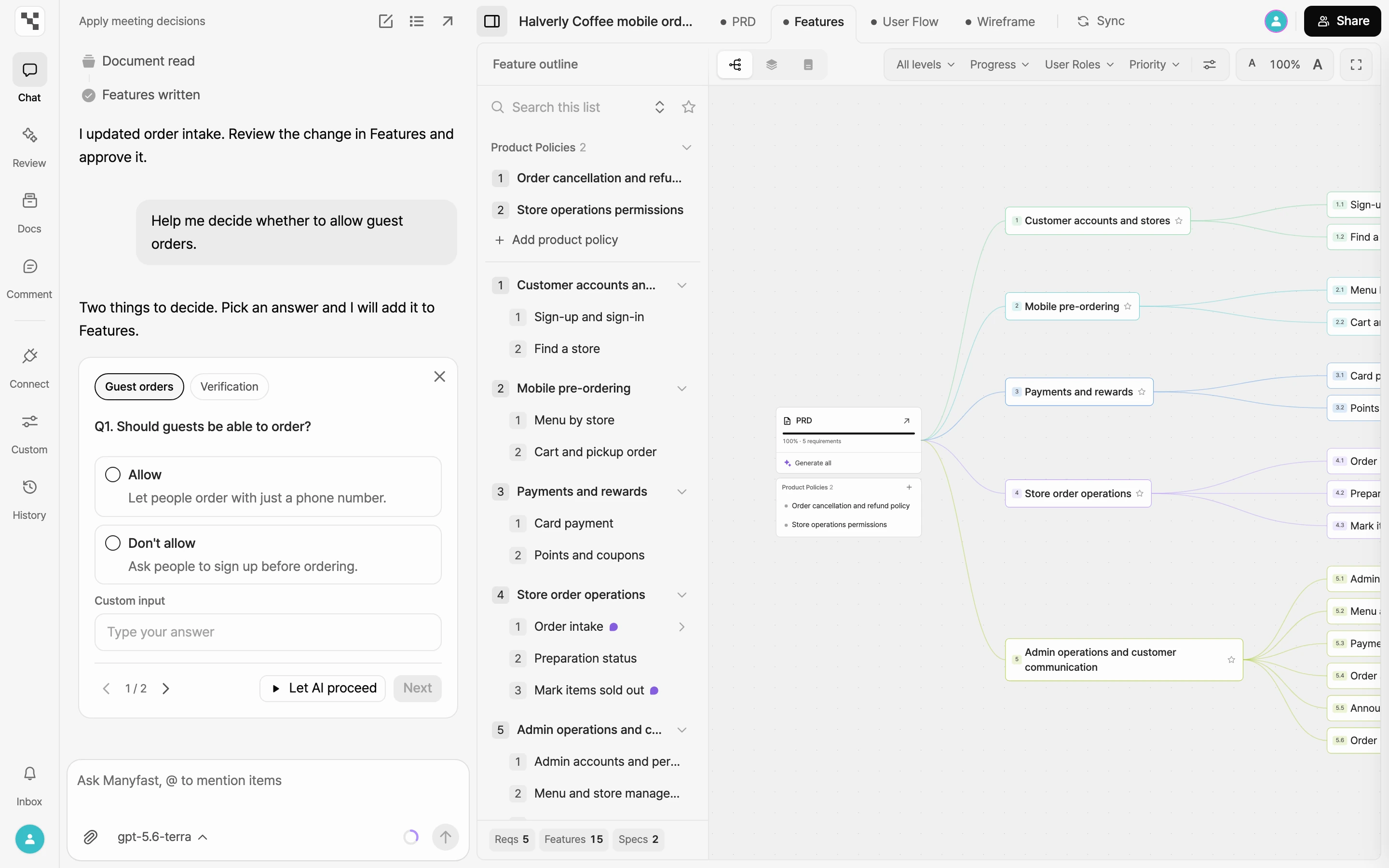
The panel where you ask AI to write, edit, or answer questions about your spec. See Chat.
Edits awaiting approval
Changes AI made, marked New, Modified, or Delete, waiting for you to approve them. They stay in your spec only after approval. See AI suggestions.
Review · Plan review
A check of your spec for risks and gaps from the Development, Business, UX, Design, QA, and Security lenses. See Plan review.
Project customization
Per-project rules for AI, such as chat tone, document style, and your team glossary. Open it from Custom in the editor rail. See Customize AI.
Note
A private place to collect things from your chats. It's in the Docs panel. See Notes.
Credits
The unit AI work is paid in. There are daily, monthly, and purchased credits, used in that order. See Credits.
Files and sources
Term
What it means
Sources (page)
A shared space for the whole group, opened from the sidebar. You collect sources there and apply the decisions pulled from them to your specs. See Sources.
Source
One entry in Sources, such as notes from a meeting or research. You write it directly or create it by uploading a file.
Decision
A decision pulled out of a source. It's marked Confirmed, Undecided, or Rejected, and you link it to a project to apply it to the spec. See Decisions.
Docs panel
A panel in the editor rail. It has Notes, Decisions, Sources, and Files tabs for the current project.
Project files
Files such as PDF, Word, or Excel that you upload to a project. AI reads them and uses them in chat and drafts. See Project files.
Team and connections
Term
What it means
Group Owner · Admin · Member · Viewer
The roles in a group. What you can do depends on your role. See Roles and permissions.
Seats
One person's spot in a group. Depending on your plan, you can add more.
Share link
A link that shows your spec, read-only, to people outside the group. See Share with a link.
External editor
Someone you invite to edit a single project without adding them to your group. See External editors.
Comments
Notes you leave on text or screens in your spec. You can reply and mention people. See Comments.
Connectors
The screen where you connect AI tools and issue trackers to Manyfast. Open it from the sidebar or the editor rail.
MCP
The connection that lets AI tools such as ChatGPT, Claude, and Cursor read and write your Manyfast specs. See Connect your AI tools.
Plans
Term
What it means
Plan
The subscription each group chooses: Starter, Pro, or Team. Starter is free. See Compare plans.
Team trial
A way to try Team plan features for a set period. See Team trial.
Former names
Some features were renamed. If you see a name on the left in an older guide or screenshot, look for the name on the right.
Former name
Current name
Note
Board Room
Sources
The sidebar menu was renamed.
Meeting note
Source
The name for one entry in Sources.
Tree View
Graph
One of the Features views.
Directory View · Document View
Directory · Document
The Features view names got shorter.
Manny
AI
The former name for the AI. This guide calls it AI.